| Software Music Machine Archive |
|
Sonicfire Pro 5.7.3
|
|
Operating System:
File Size:
-
License:
License Conditions: 21 Day Trial. Registration: US$99.00 System Requirements: QuickTime 7.2 or later Last Updated: 2012-09-06
For more detail about software : Software Description
|
View Sonicfire Pro 5.7.3 Screenshot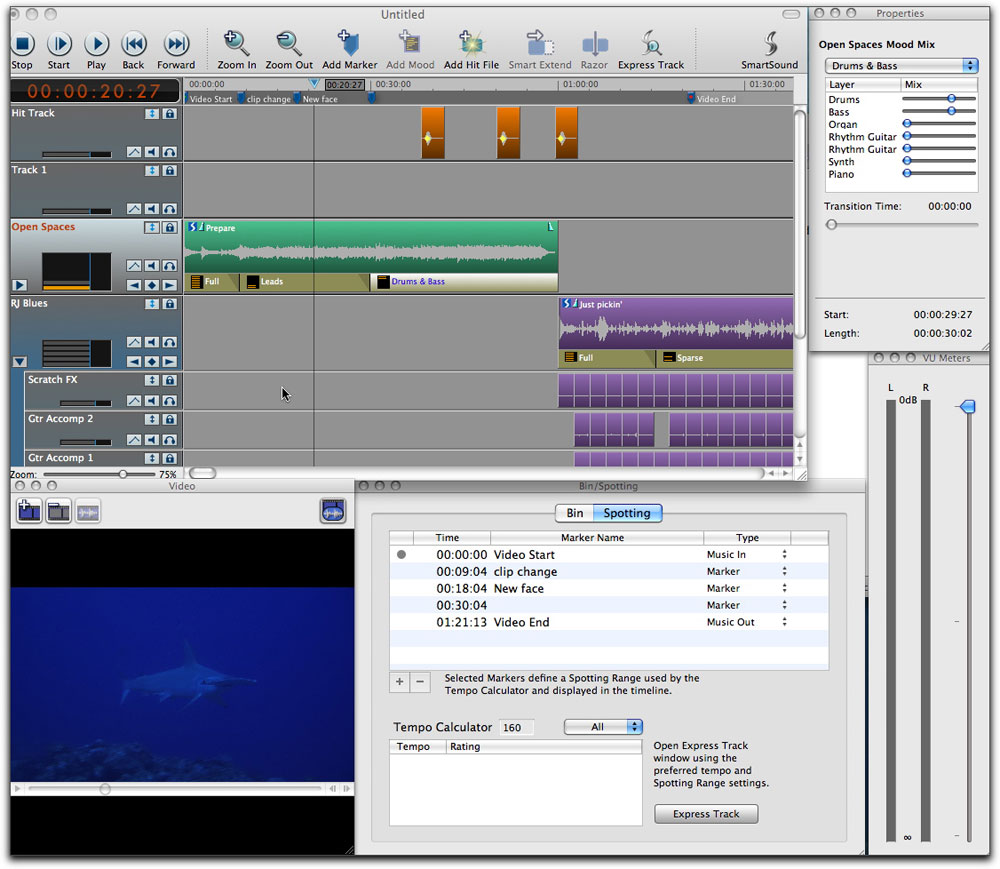 |
Software Description
SmartSound Sonicfire Pro is designed from the ground up to help you create perfect music soundtracks custom fit to your videos in just minutes. No other audio software is as fast or as easy in creating the music you need to make your visuals come to life - and custom soundtracks are the key to high-impact, professional quality videos.
Now the bar has been raised once again. With the new Infinite Search Maestro you’ll have limitless ways to find the perfect cut and manage your SmartSound library - including dynamic, “in process” purchase and download of individual SmartSound files. Now, you will always be able to get just the right cut for any scene you score, in real time, while you work on your scene.
Features:
- Create Perfect Musical Soundtracks, Automatically.
- Preview, Buy and Download ANY Cut in the SmartSound Library
- Automatic Editing of Any Sound File
- The Only Audio Software Designed for Visual Creators
- Preview Ideas in Real Time with Your Video
- Mix and Match Search Criteria Based on Your Needs – for Endless Possibilities
- Fully Orchestrated Cuts – No Loops to Build
- Support for Windows Media and Quicktime Video Formats
- Thousands of Great Royalty-Free Tracks, Now All At Your Fingertips
- New Design Gives You More Ways to Work – Choose the Easy Assistant or the
- New Robust Maestro
Changes in 5.7.3
- Bugfix for database updating issue (5.7.3)
- Bugfix for minor plug-in issues (5.7.2)
- Premiere Elements 10 Plug-in (5.7.1)
- Added the Adobe Premiere Pro CS5.x and Affer Effects CS5.x Plug-in (5.7.0)
- Added the Avid/Pinnacle Studio Plug-in (5.6.0 - Win only)
